Redmi 13 – Critical Dosyası Okuma ve Yazma İşlemi
Arkadaşlar, Redmi 13 cihazlarda Critical dosyası almak için izlenecek adımlar aşağıdaki gibidir:
1. Program ve Model Seçimi
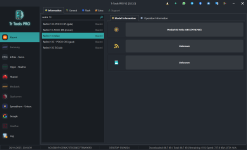
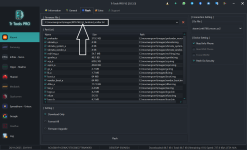
Öncelikle TR Tools Pro v2 programını açın.
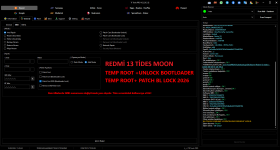
Model olarak Moon seçin.
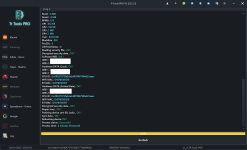
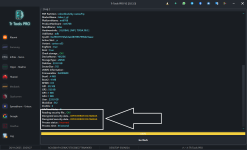
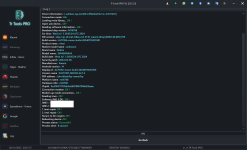
Cihazın gerçek adı Tides mi yoksa Moon mu mutlaka kontrol edin ve not alın.
2. Critical Dosyası Okuma
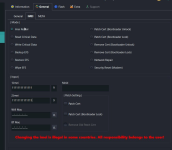
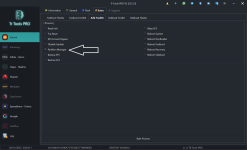
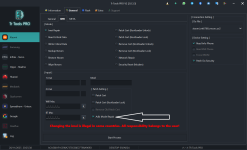
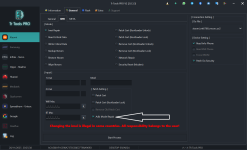
Menüden General → IMEI bölümüne girin.
Burada Read Critical seçeneğine tıklayın.
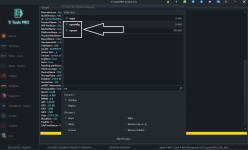
Sağ tarafta bulunan DA dosyalarını sırayla deneyin.
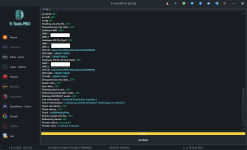
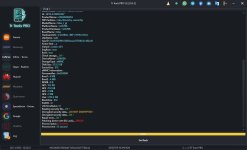
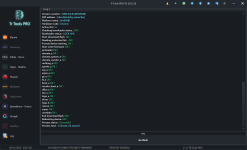
Cihazı MTK Mode’a alın. Bu adımda program cihazdan Critical dosyasını okuyacaktır.
3. Dosya Düzenleme
Okunan Critical dosyasını, ücretli edit hizmeti veren sitelerde düzenletin.
4. Critical Dosyası Yazma
Düzenlenmiş dosyayı geri yüklemek için yine General → IMEI kısmından Write Critical seçeneğine tıklayın.
Bu yöntem ile Redmi 13 cihazınızın Critical dosyasını güvenli şekilde okuyup yazabilirsiniz.
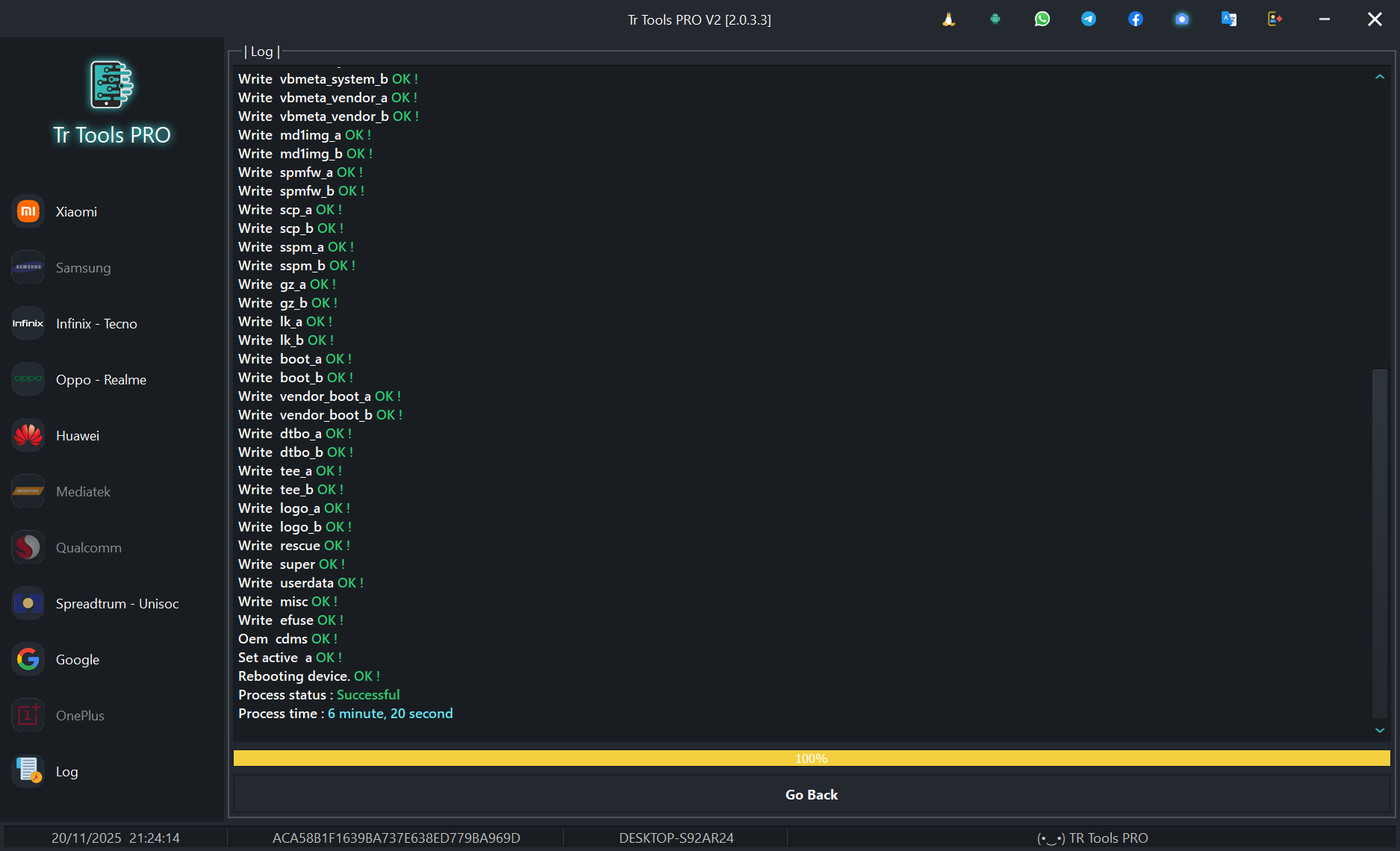
Redmi 13 – Critical File Reading and Writing Process
Friends, here are the steps to follow in order to obtain the Critical file on Redmi 13 devices:
1. Program and Model Selection
First, open the TR Tools Pro v2 program.
Select Moon as the model.
Make sure to check and note whether the device’s actual codename is Tides or Moon.
2. Reading the Critical File
Go to the General → IMEI menu.
Click on the Read Critical option.
Try the available DA files on the right side one by one.
Put the device into MTK Mode.
At this step, the program will read the Critical file from the device.
3. File Editing
Have the extracted Critical file edited through paid editing services.
4. Writing the Critical File
To restore the edited file, go again to General → IMEI and click the Write Critical option.
Using this method, you can safely read and write the Critical file of your Redmi 13 device.
Moderatör tarafında düzenlendi: