
Xiaomi 11T Agate ROM Yükleme (Türkçe) – Yazılım Modu
Sitemizden Eng ROM’u indirin.
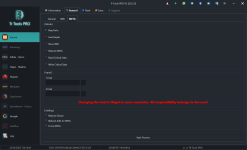
Trtools Pro’yu açın.
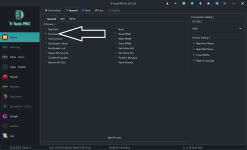
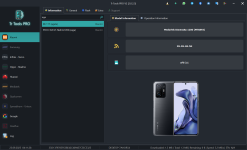
Agate model bölümüne gidin.
Flash sekmesine geçin.
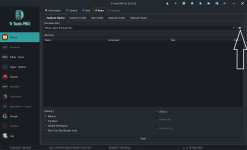
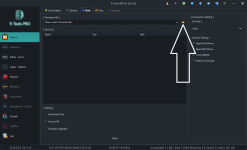
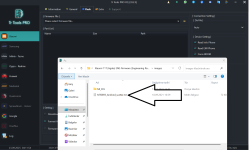
İndirdiğiniz ZIP dosyasını çıkarın, ardından Trtools Pro’daki dosya seçme simgesine tıklayarak çıkarılan dosyayı seçin.
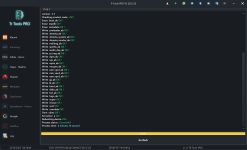
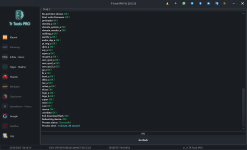
Flash butonuna tıklayarak işlemi başlatın.
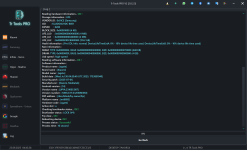
Cihazı tuşlara basarak bağlayın.
Xiaomi 11T Agate ROM Installation (English) – Software Mode
Download the Eng ROM from our website.
Open Trtools Pro.
Go to the Agate model section.
Navigate to the Flash tab.
Extract the downloaded ZIP file, then click the file-selection icon in Trtools Pro and choose the extracted file.
Click the Flash button to start the process.
Connect the device while pressing the hardware keys.
Open Trtools Pro.
Go to the Agate model section.
Navigate to the Flash tab.
Extract the downloaded ZIP file, then click the file-selection icon in Trtools Pro and choose the extracted file.
Click the Flash button to start the process.
Connect the device while pressing the hardware keys.