Redmi 14C / POCO C75 ( Pond - Lake ) NvData Hatası Kalıcı Çözüm
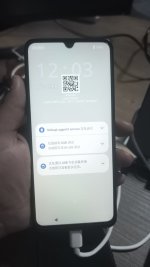
Cihaza ENG ROM’u kesinlikle yükleyin ve cihazı açın.
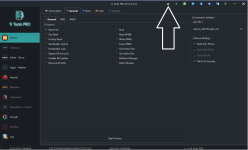
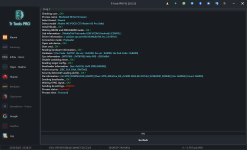
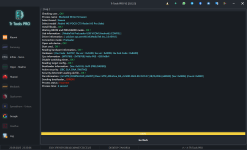
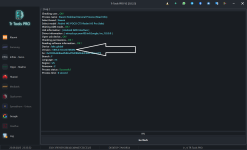
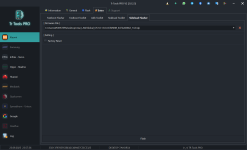
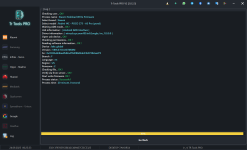
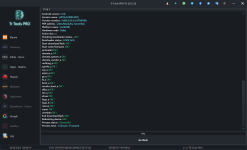
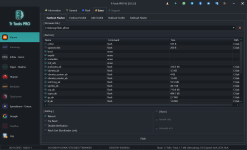
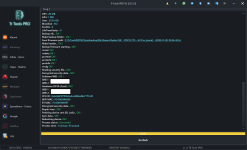
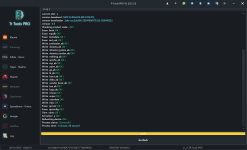
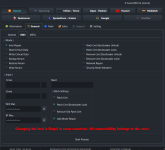
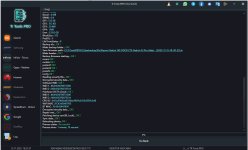
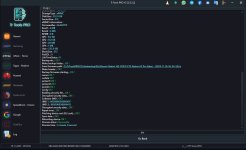
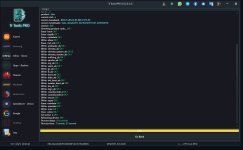
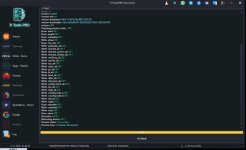
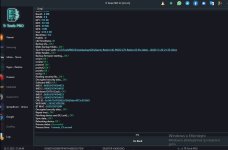
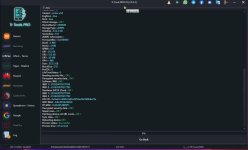
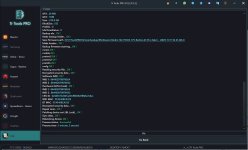
TRTools üzerinden Repair yapın.
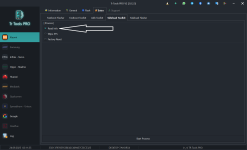
Sadece ADB mode+ PATCH BL LOCK seçeceksiniz.
Sonrasında Redmi 14C’nin en güncel sürümünü yükleyeceksiniz.
Buradaki kritik uyarıyı iyi okuyun.
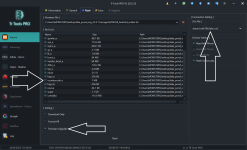
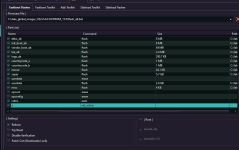
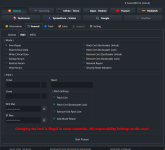
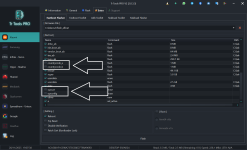
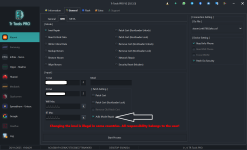
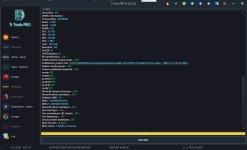
TRTools Fastboot Flasher ile yazılım atarken Opcust ve Opconfig tiklerini MUTLAKA kaldırın.
Bu iki tik açık kalırsa işlem ÇÖPE GİDER, başa dönersiniz.
Ayarlar kısmına asla dokunmayın. Karıştırırsanız sorumluluk size aittir.
Redmi 14C / POCO C75 (Pond - Lake) NvData Error Permanent Solution
You must definitely install the ENG ROM on the device and boot it up.
Perform the Repair process through TRTools.
You will select only ADB mode+PATCH BL LOCK
After that, you will install the latest firmware for the Redmi 14C.
Please read this critical warning carefully.
When flashing the firmware using TRTools Fastboot Flasher, you MUST uncheck the Opcust and Opconfig options.
If these two options remain enabled, the entire process will FAIL and you will have to start over.
Never touch the Settings section. If you change anything and cause an issue, the responsibility is yours.


 14C (LAKE–POND) Cihaza UBL Yapmadan Kayıt Yapma Yöntemi
 1. ENG Atma İşlemi:
 kesinlikle kaldırın.
 DA Hatası alırsanız:
 Kullanmanız Gereken ENG Dosyası:
 RAR Şifresi: masoodmobilesoftware
 2. Kayıt İşlemi:
 3. Global Yazılım Yükleme:
 Benim kullandığım sürüm: 2.0.4 Global ROM
 Fastboot’tan yazılımı atarken:
 İşlem sırasında telefon çökerse veya JTAG’lık olursa, risk %100 size aittir.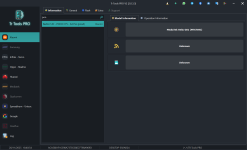

 DİKKAT ÖNEMLİ